DOCX · PPTX · XLSX
View Office files without Office
View Word tables and images, PowerPoint slides, and Excel sheets with cell formatting. Export searchable PDFs. Editing the original Office files is not supported.
Letters, reports, presentations, spreadsheets, mail and images—open them in WZ Reader without switching apps for each format. Move from viewing to search, OCR, speech, presentation and PDF export, then connect recurring tasks to AI with MCP.
Windows 10/11 · MIT Open Source · Always up to date · Local document processing
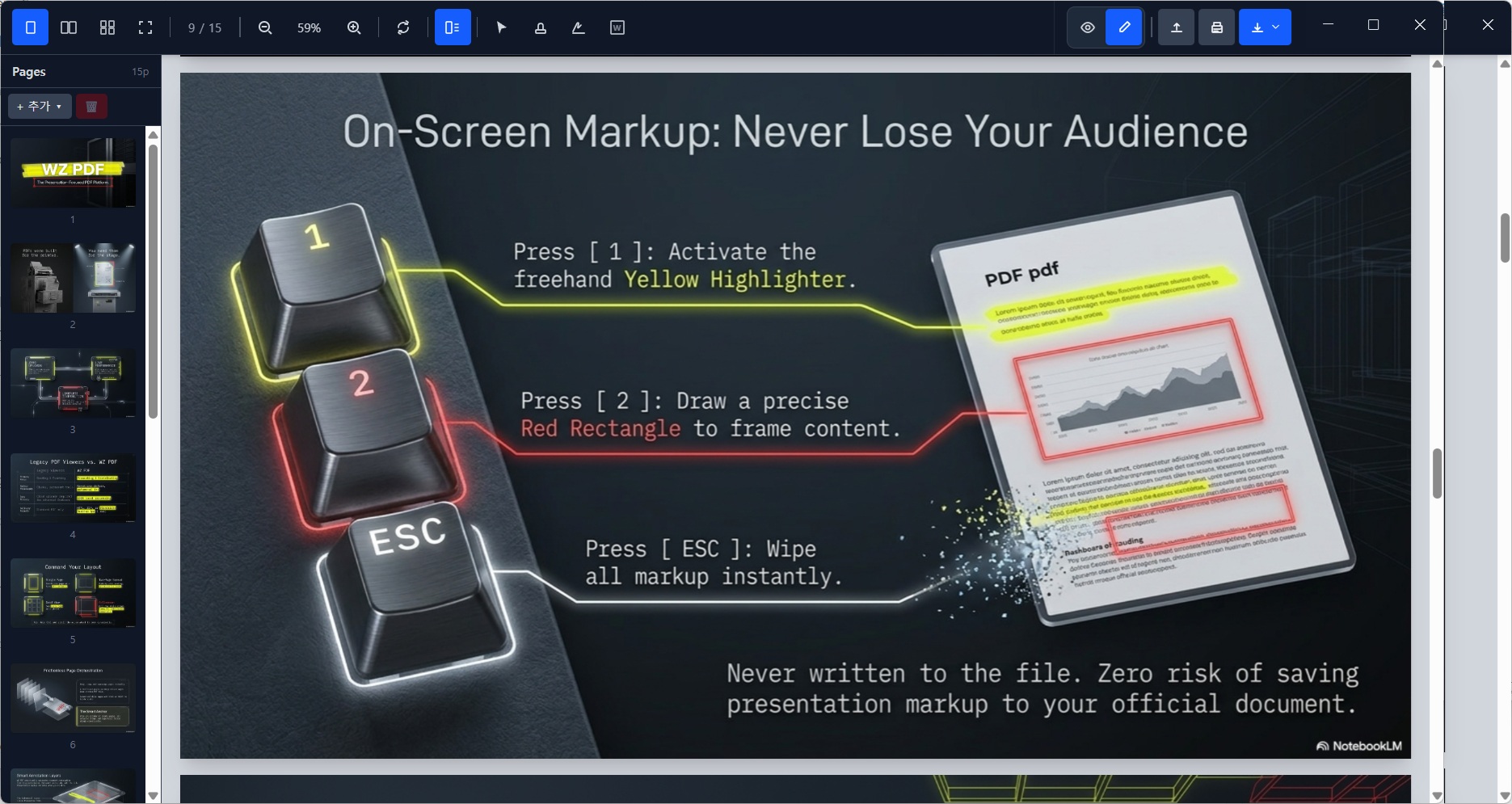
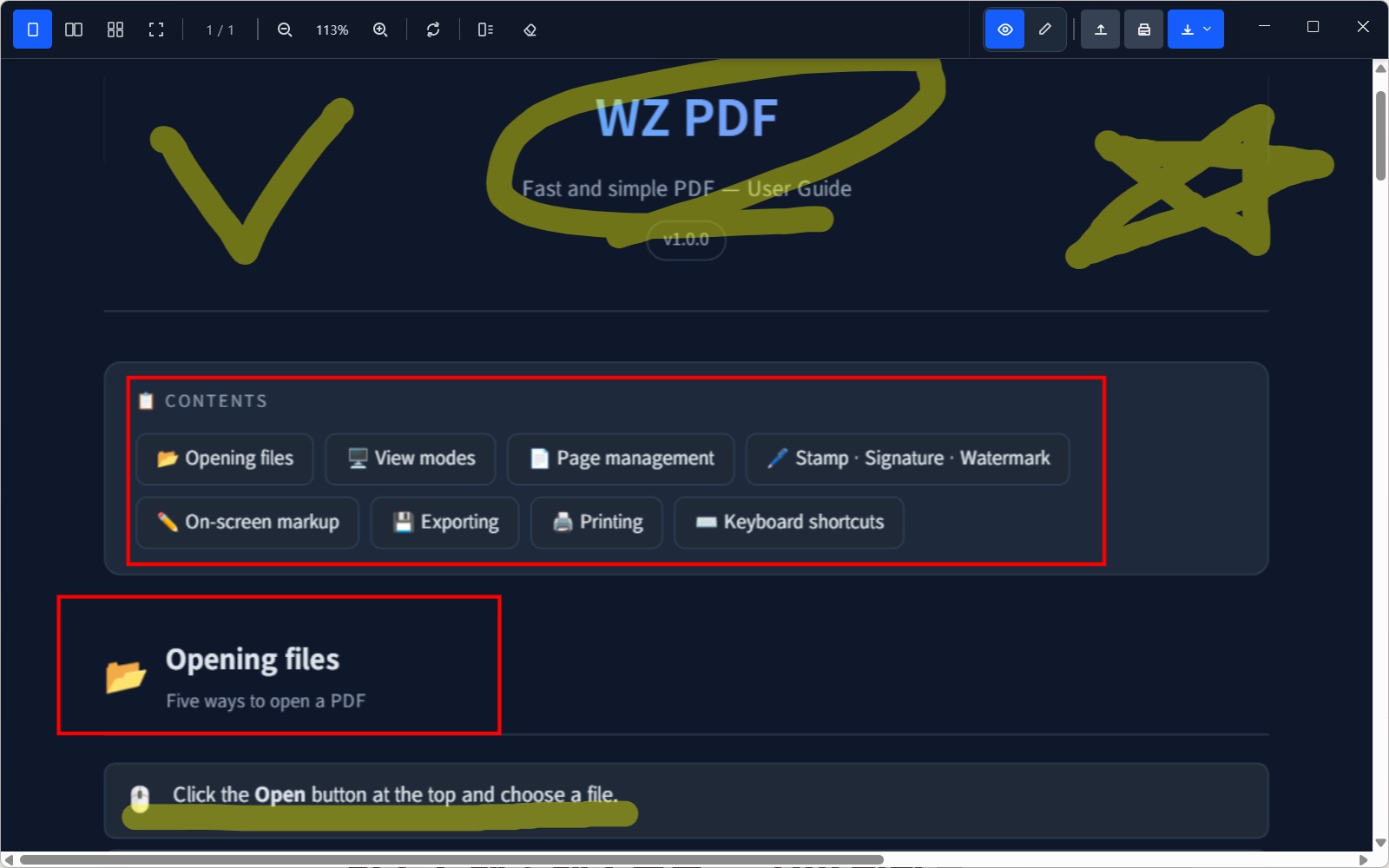
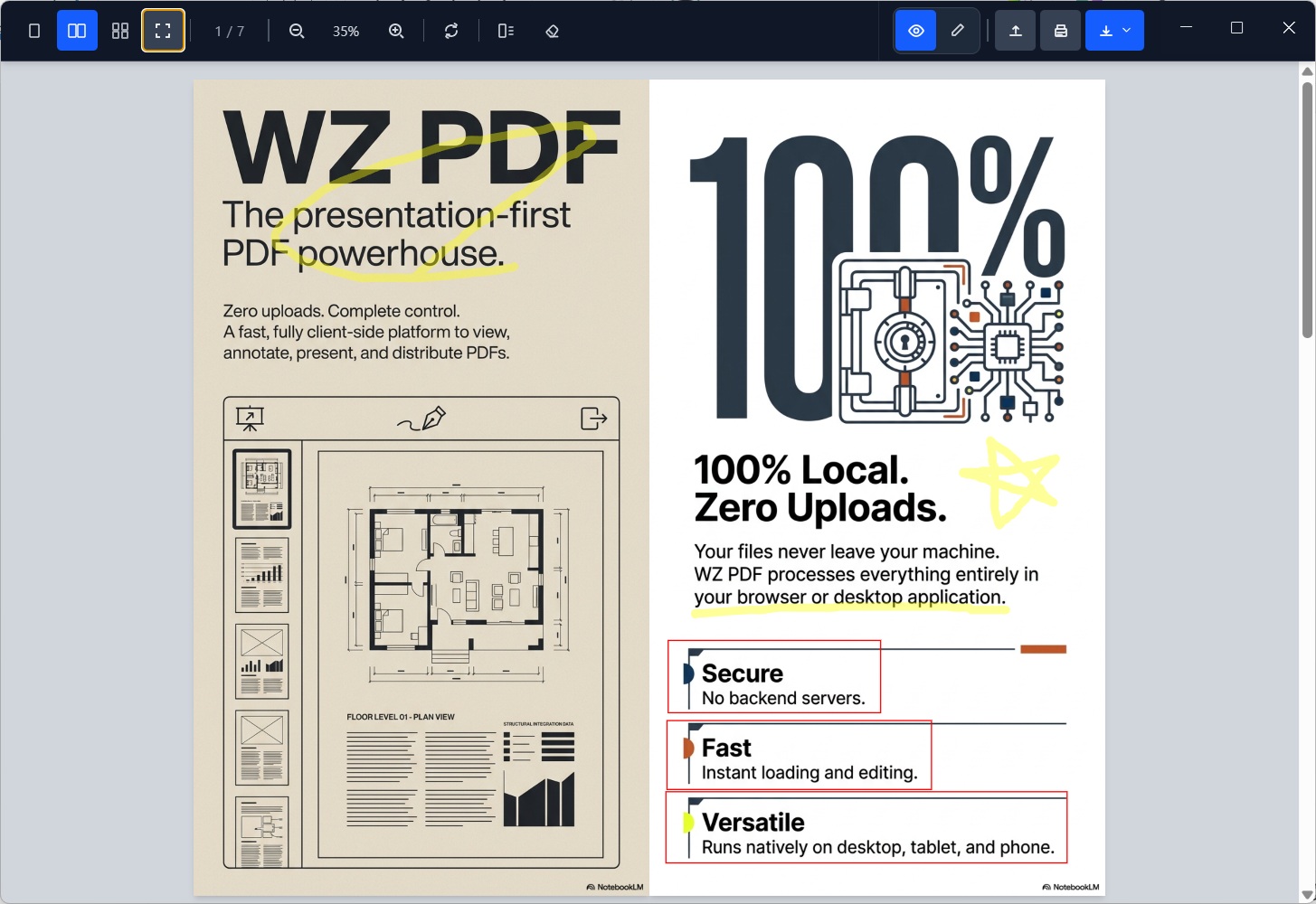
Earlier WZ PDF interface · The current app is named WZ Reader.
HWP, PDF, Word, PowerPoint, Excel, mail, Markdown and images share one familiar workspace. Stop finding a different app for each document.
View HWP, PDF, Office, mail, Markdown and images together. Supported formats include HWP/HWPX, DOCX, PPTX, XLSX, XLS, ODS and CSV, with search, printing and PDF export. Office viewing is read-only.
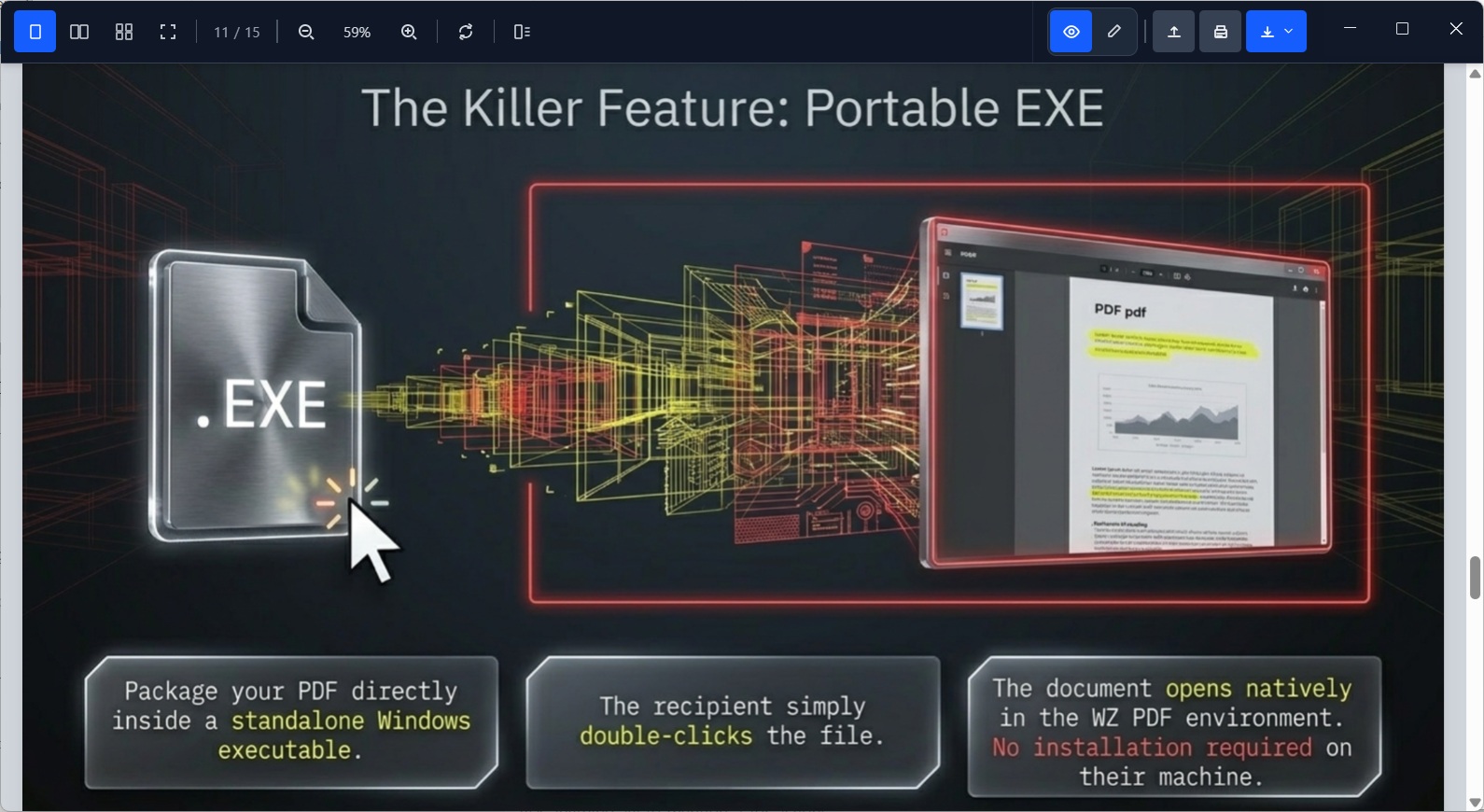
PDF task example from the unified viewer · HWP, Office, mail and images open in the same app.
Recognize Korean and English in scanned PDFs and images on-device. Saving after OCR retains a searchable, copyable text layer; read-aloud can then speak the recognized text.
Organize and merge pages, add stamps, signatures and watermarks, and set passwords. Save your stamp size, paste it onto multiple pages, and undo edits with Ctrl+Z.
Present fullscreen and highlight key points with pen and laser tools. PowerPoint files with speaker notes can become MP4 videos with narration and optional subtitles.
Bundle PDF, HWP, Office, mail, Markdown or images with a viewer in their original format. Recipients open them on Windows without installing a separate viewer, including PowerPoint notes and read-aloud tools.
Review letters, reports, presentations, spreadsheets, mail and images together, then move into conversion, presentation, delivery and automation. WZ Reader is a unified viewer that goes beyond viewing.
View Word tables and images, PowerPoint slides, and Excel sheets with cell formatting. Export searchable PDFs. Editing the original Office files is not supported.
Local speech reads documents with sentence navigation. OCR makes scans readable aloud; PPTX speaker notes become MP4s with narration and optional subtitles.
Open folder images, selected photos, image ZIPs and multi-page TIFFs. Arrange them and save as one PDF; JPEG photos are embedded without recompression.
Embed a self-hosted viewer with an iframe. Private mode restricts arbitrary file opening, saving and editing, with optional printing. Enforce document access permissions separately on the server.
The built-in MCP server offers 15 tools to read, search, convert and save documents without a separate Node.js install. Air-gapped deployments can connect to an internal AI system that supports MCP.
“Convert the HWP, Word and PowerPoint files in this folder to PDF, find pages mentioning CONFIDENTIAL, and add a watermark.”
topdf report.docx slides.pptx data.xlsx -o converted
Mixed files to PDF
doc_get_text reads supported document content, including PowerPoint notes and Excel sheets. doc_to_pdf converts multiple formats for PDF search and processing.
New doc_get_text, doc_info and doc_to_pdf tools join PDF search, split, merge, page editing, watermarks, stamps and text overlays.
Restrict automation to an approved working directory and keep the scope under control.
The app runs MCP with its own runtime. Existing WZ PDF executable paths and MCP settings continue to work after the rename.
HWP and PDF are two examples from the supported formats—not the limit of the viewer. WZ Reader also opens Word, PowerPoint, Excel, mail, Markdown and images.
Open, zoom, search and present an HWP document in your browser without installing Hancom Office.
Show a crisp PDF directly inside a web page instead of forcing visitors to download it.
Two examples from a multi-format viewer, not its full format list. Public samples are fetched and displayed in your browser. HWP sample: rhwp
Bundle PDF, HWP, Office, mail, Markdown or images with a viewer in their original format. Recipients open them on Windows without installing a separate viewer, including PowerPoint notes and read-aloud tools.
Open your PDF, HWP, Office file or mail in WZ Reader.
Use the menu beside Save. On first use, download the runtime or supply a matching portable build.
Open it on Windows without installing a viewer. Original formats and PDF passwords, stamps and OCR results are preserved. Check the recipient organization’s EXE execution policy.
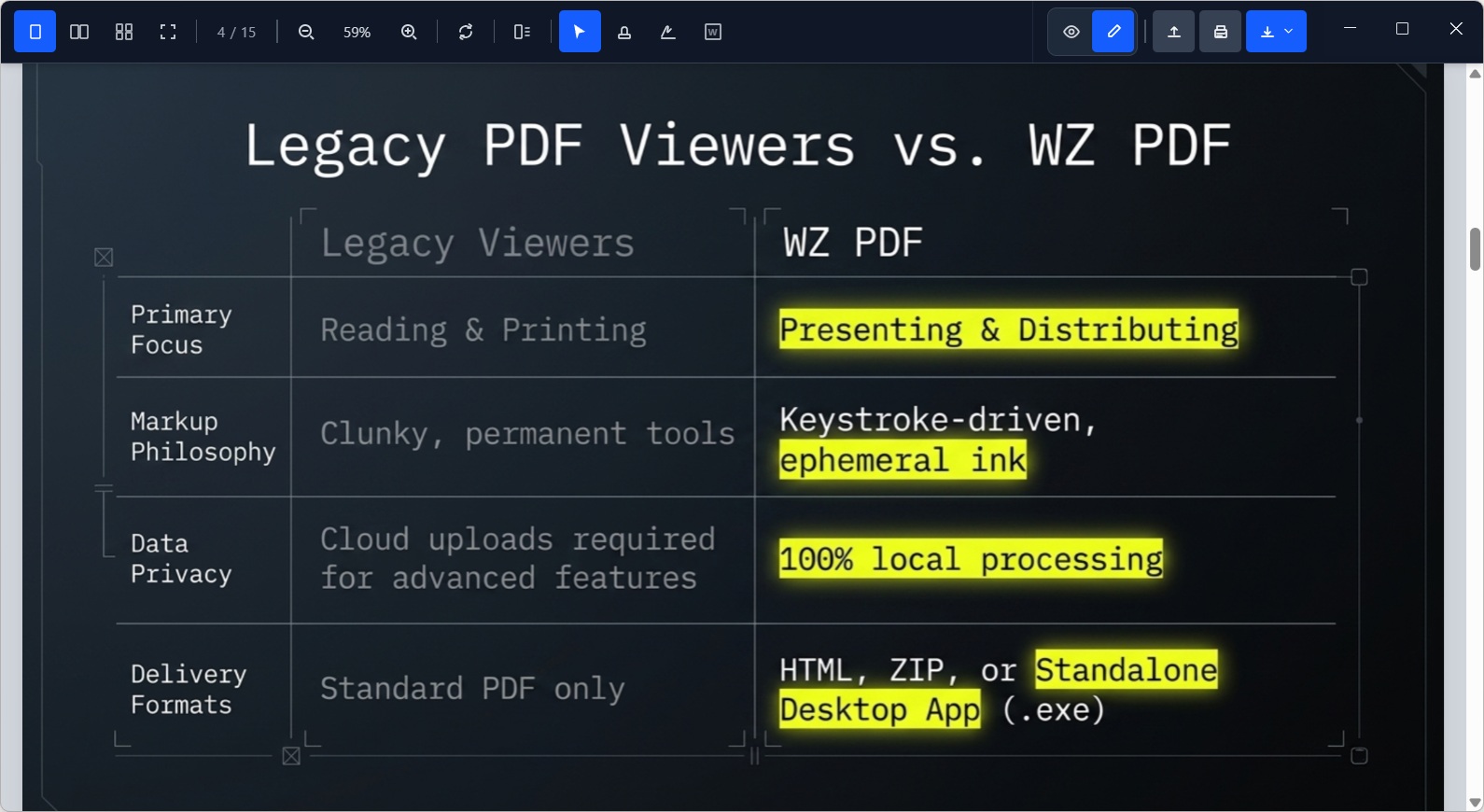
Organize and merge pages, add stamps, signatures and watermarks, and set passwords. Save your stamp size, paste it onto multiple pages, and undo edits with Ctrl+Z.
Export just the pages you need or a PDF matching the two-page view. Booklets retain text, stamps, signatures and OCR results.
Remove white stamp backgrounds and paste across pages. Set or remove PDF passwords and check unsaved changes before leaving.
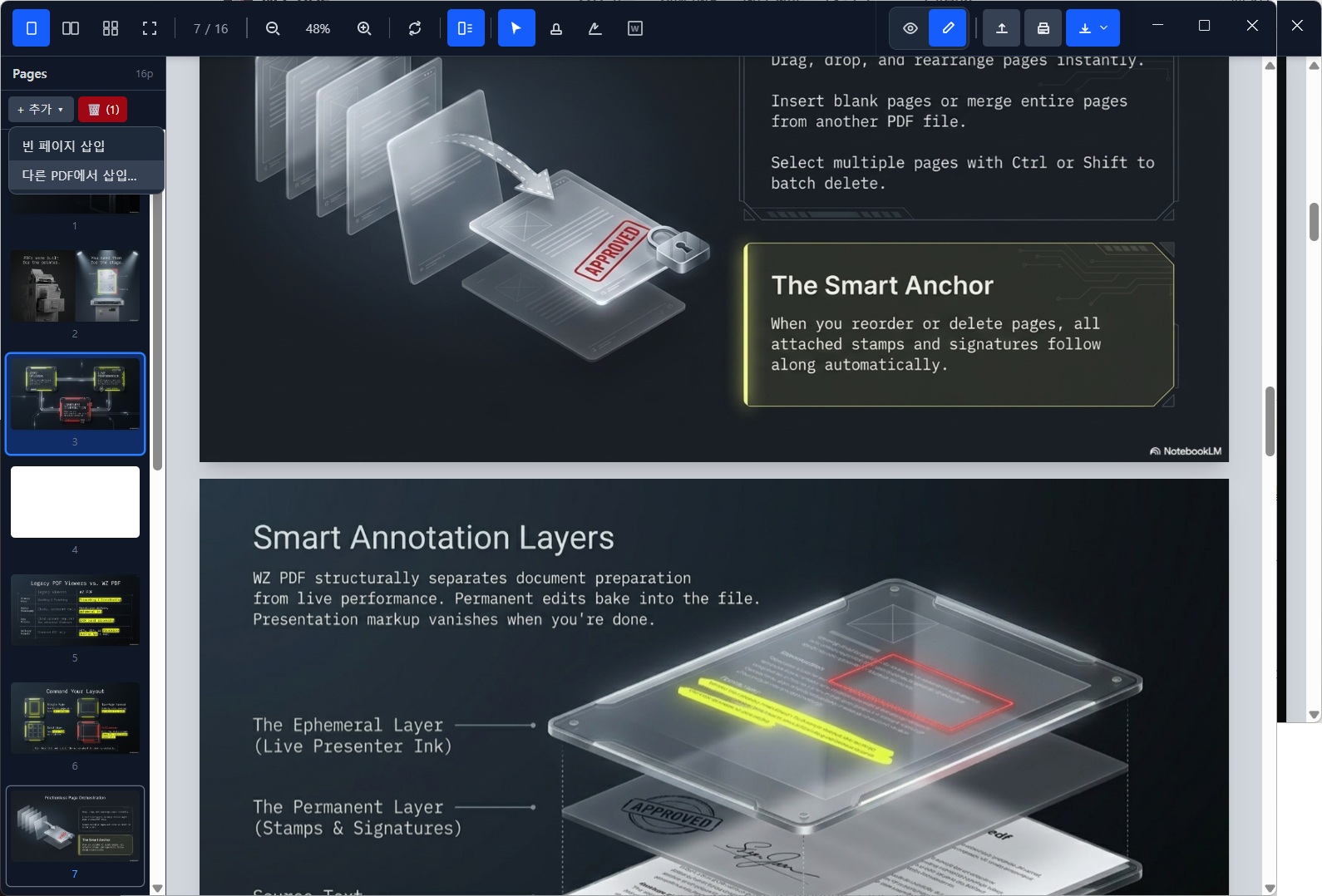
More than a viewer: WZ Reader follows the document from arrival through review, production, presentation and delivery.
Review letters, contracts, reports, spreadsheets and mail in the same viewer. Search different document formats, then convert material to PDF for page organization and sharing.
Turn PowerPoint speaker notes into MP4s with narration and subtitles for repeat training and operational guidance.
Use topdf to convert mixed-format files to searchable PDFs and connect scripts, schedulers or MCP workflows.
Send a standalone EXE or self-contained HTML viewer and reduce recipient software and setup issues.
Process files in your browser or PC instead of uploading to online converters. For AI integration, choose a model and environment that fit your data policy.
Documents are not uploaded to WZ service servers. Connecting MCP to a public AI service can send extracted content to that provider. Use an internal AI deployment for confidential work.
No signup or login is required to use the viewer. Convenience settings such as recent file paths and saved stamps are stored on your device.
Speech models require an initial download. EXE export needs a runtime downloaded once or supplied using a matching portable build. Prepare these components and verify internal AI connectivity before deployment.
Press F5 to present the document you have opened. PowerPoint speaker notes appear below slides or as fullscreen captions; read-aloud advances pages as it speaks.
ZoomIt-style keyboard tools, USB clicker support, swipes and click-to-advance keep delivery fluid and focused.
The Windows app exports PPTX files with notes as one MP4 with narration and optional subtitles. Use it for training and instructions. PowerPoint object animations are not included.
View files instantly on the web or embed the viewer in your portal. Windows adds local speech, MP4 creation, batch conversion, MCP and EXE export. Documents are not uploaded to WZ service servers.
The installer adds file associations and automatic updates. Use local OCR, speech, MP4 creation, topdf, MCP and EXE export in one app. Some features require initial component preparation.
Open supported workplace documents in your browser or embed the unified viewer in your portal. Self-hosted private mode displays designated documents; authentication and permissions remain server responsibilities.
WZ Reader is a unified viewer for workplace documents. It supports HWP/HWPX, PDF, Word (DOCX), PowerPoint (PPTX), Excel (XLSX/XLS/ODS/CSV), mail (EML), Markdown, and images (PNG/JPG/GIF/BMP/WebP/TIFF). Review them in one workspace without switching viewers. Editing and export capabilities vary by document format.
Text-based PDF, HWP, Office, mail and Markdown support search and text workflows. Run OCR on scanned PDFs and images to recognize text for search, copying and read-aloud. Searchable PDF export and available tools vary by format.
WZ Reader is first a unified viewer for mixed-format workplace documents. It also provides PDF page editing, merging, stamps, signatures and watermarks. Office viewing is read-only, so it does not replace an editor for the original Word, PowerPoint or Excel files. Viewing, conversion and editing capabilities vary by format.
They are the same product. The name changed from WZ PDF to WZ Reader to reflect its role as a unified viewer for many workplace document formats. Settings, recent files, stamps, speech models and installation locations are retained. Automatic updates are installer-only; older installations and portable builds need a manual download.
Viewing, conversion and OCR run in your browser or PC; documents are not uploaded to WZ service servers. However, MCP connected to an external AI can send extracted content to that provider. Use an internal AI system for confidential work.
The Windows app processes local documents. Speech needs its models prepared first; EXE export needs a downloaded runtime or a matching portable build. Verify component provisioning and internal AI connectivity before air-gapped deployment, and configure automatic updates according to your organization policy.
The installer includes an MCP server with 15 tools and needs no separate Node.js install. Register the executable path and allowed working folder in your MCP client. Existing WZ PDF MCP settings work with WZ Reader.
Yes. Embed the self-hosted web viewer with an iframe to display supported documents inside a page. Private mode limits viewing to designated documents and restricts arbitrary file opening, saving and editing. It is not DRM or access control; enforce login and document permissions on your server.
WZ Reader is a free open-source project under the MIT license. Review both the project license and included third-party notices before redistribution or reuse.
Start viewing, searching, converting and presenting in one document workspace. HWP, PDF, Office, mail, Markdown and images are supported together. Existing WZ PDF settings and MCP connections are retained.
View latest release notes and checksumsWindows 10/11 · Installer and portable builds · MIT License